
Show Runlet your product
Upload your OpenAPI document and product description so Runlet knows which actions exist.
Customers ask in everyday language. Runlet finds the right action using your product knowledge, and your backend carries it out.
Cloud or on your server · Panel sign-in currently uses Iranian mobile numbers
Outside Iran? Contact us about your integration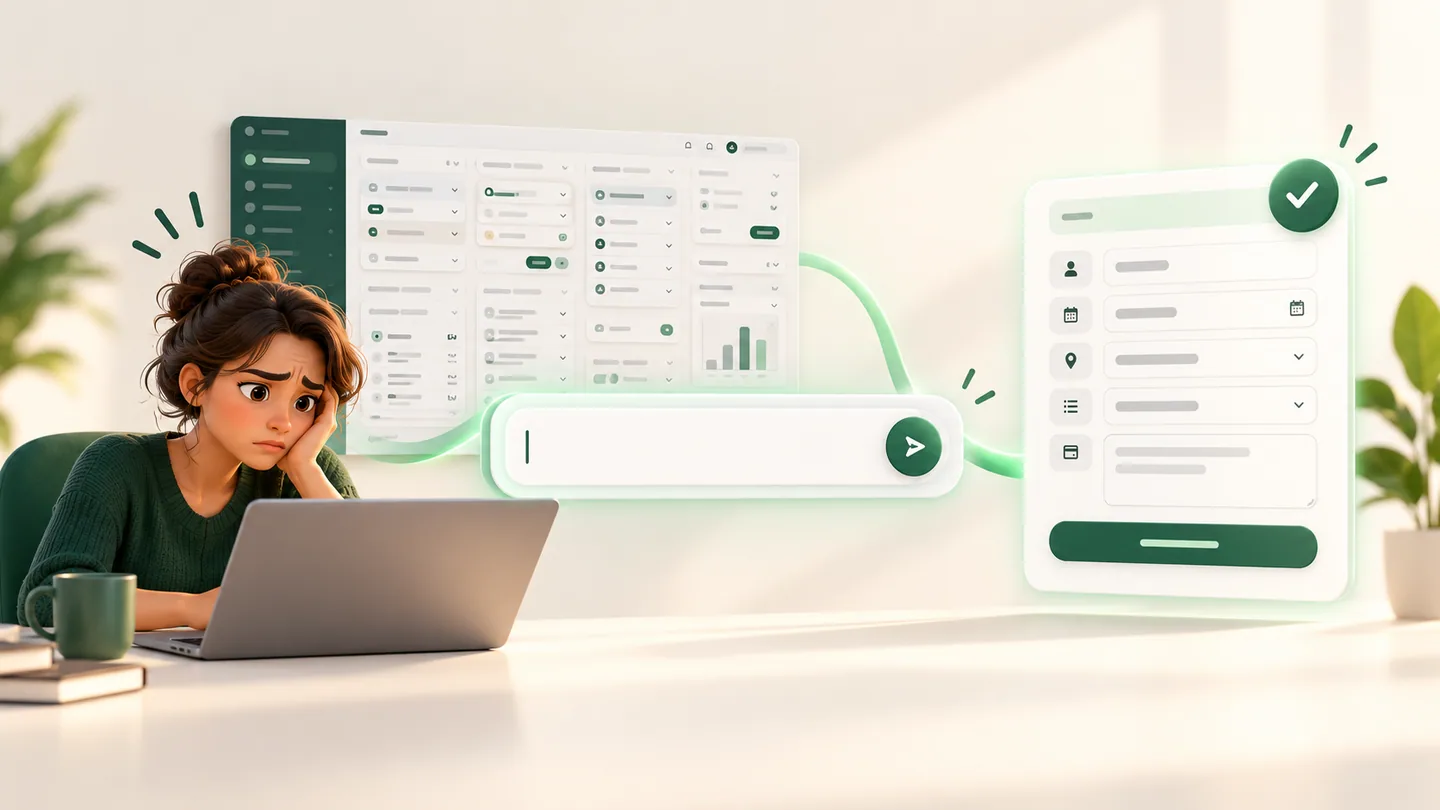
Create a form titled “Partnership request”.
Partnership request form is ready.
Choose a request. The result belongs in your app's own interface.
Runlet uses your OpenAPI and product knowledge to propose an action. Your backend checks permissions and executes it.
Your backend creates the ticket under the signed-in account. The customer sees the result as a ticket card.
Your request is with support. Replies will appear here.
Your backend returns only records the customer may access. Use your existing cards and layout to display them.
Customers do not need to learn a complex panel. Runlet matches their words to your product's capabilities.

Upload your OpenAPI document and product description so Runlet knows which actions exist.
Runlet matches a request to relevant product knowledge and proposes one action.
Your backend checks permissions and confirmation, executes the action, and shows the result in your own UI.
In both modes, AI model traffic goes through the Runlet broker.
The panel, API catalog, descriptions, and knowledge vectors live in Runlet's cloud service.
The panel and knowledge database run on your server. Selected text for AI processing passes through the Runlet broker.
Runlet does not call your application API directly. Your backend authenticates the user, approves the action, and executes it through local handlers.
Explore the APIInput, output, and embedding tokens are recorded separately. View usage and calculated cost in the panel. Monthly workspace token limits help control consumption.
Choose 200,000, 500,000 or 1,000,000 tokens. Prices follow the current dollar rate.
View token packagesNo. Runlet returns a proposed action. Your backend owns access checks, confirmation, and execution.
Selected documentation text and user requests go through the Runlet broker for AI processing. The full catalog and vectors stay in your local database.
An OpenAPI document, a product description, and handlers in your backend. The panel generates a copyable integration guide.
 RUNLET